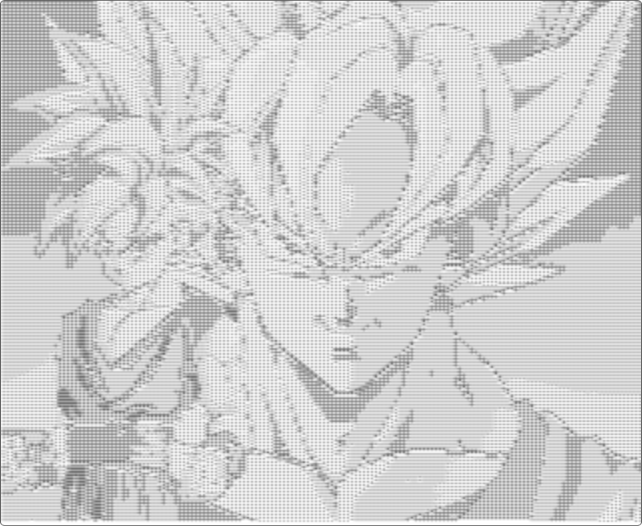
This converter represents an image using characters. It walks through the pixels and maps each pixel’s intensity to a symbol from a density scale.
1. Calculate an intensity
This example uses the average of the red, green, and blue channels. It is a simple greyscale approximation, not a perceptual luminance calculation.
const grayscale = (red + green + blue) / 3;2. Order characters by density
The string places dense symbols first and lighter marks last. On a light background, a dark pixel can be represented by a fuller character.
const characters = '#####********+++++++++=========--------:::::::::..';3. Convert the intensity into an index
The index must be an integer. Rounding down avoids accessing the array or string with a fractional value, which is not a valid character position.
const index = Math.floor((characters.length - 1) * (grayscale / 255));
const character = characters[index];
The final appearance also depends on the font, the aspect ratio of its characters, and the background behind the text.