A tileset-based scene can show lines between pieces that should fit together. One possible cause is texture bleeding: texture sampling picks up colours from a neighbouring region of the atlas.
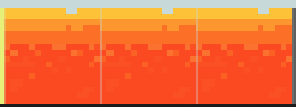
Give each tile some breathing room
Tileset Extruder adds pixels around each tile by repeating its edge colours. Samples near the boundary then find a colour that belongs to the tile rather than to its neighbour.
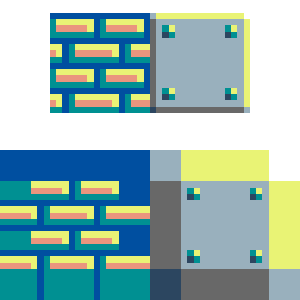
The result is an atlas with spacing and extruded edges. When using it, you also need to account for those margins in the coordinates used to locate each tile.
One part of the rendering problem
Extrusion can reduce these artefacts, but it does not explain every case of flickering. Filtering, mipmap levels, UV coordinates, and camera transforms also matter. Check the whole pipeline before attributing the issue to rounding alone.
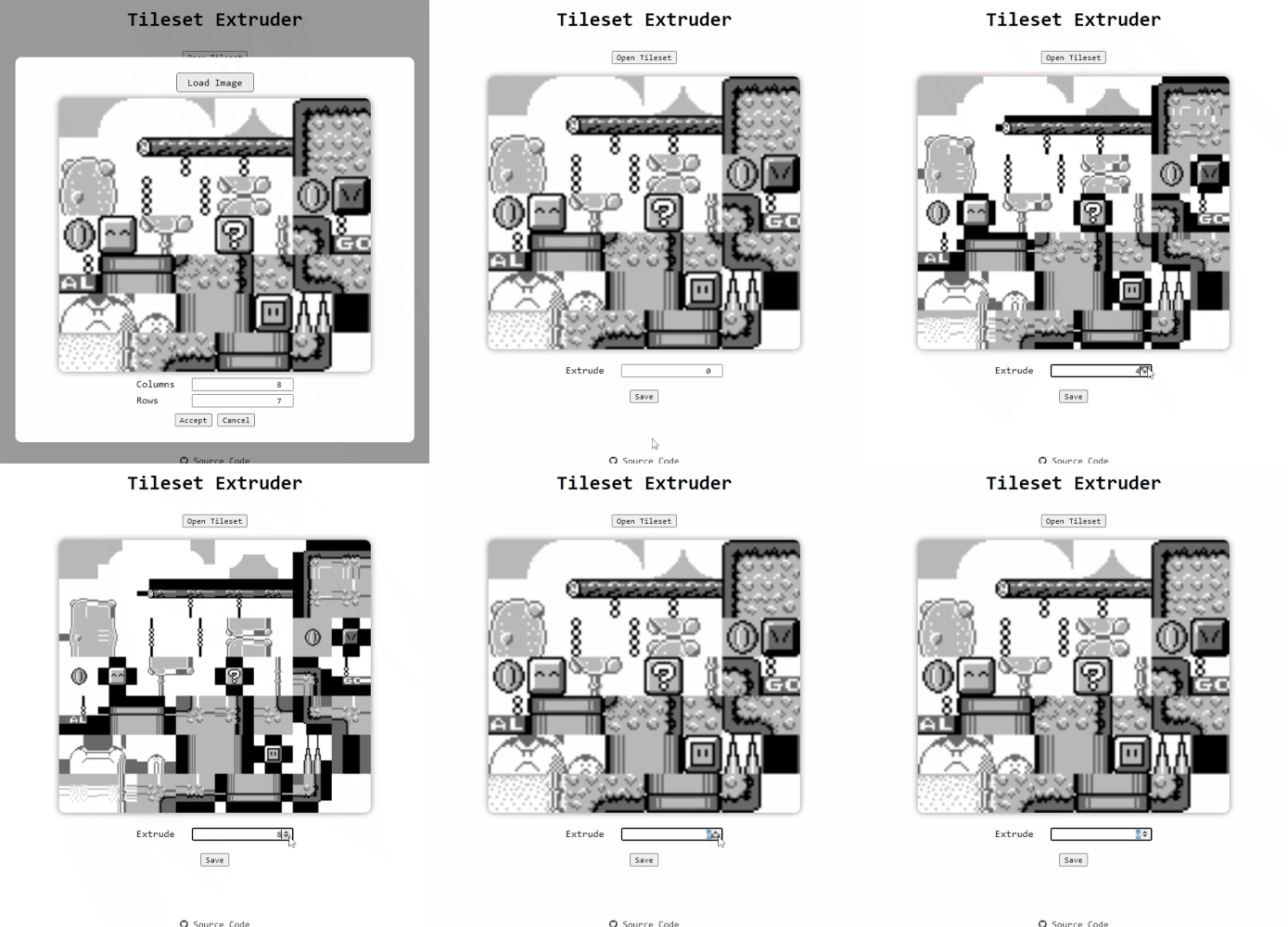
I built this web tool to perform the operation without editing every tile edge by hand.