Owning a Mega Drive again made me want to try something I had never done as a child: develop a game for it. The result was a version of Tetris written in C with SGDK.
Prepare the environment
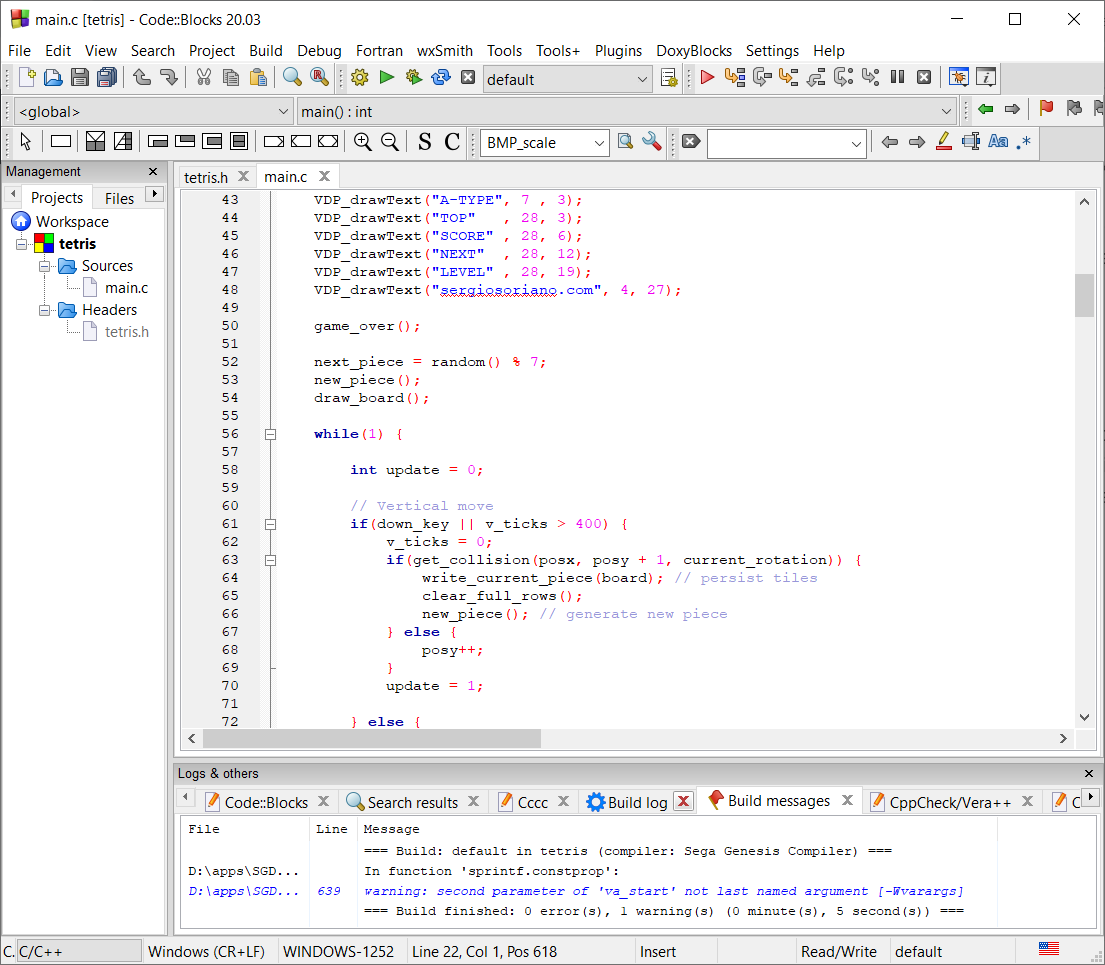
SGDK is a development kit for Mega Drive. For this project, I used Code::Blocks and an emulator to test the ROM after each build. The repository’s start.bat records that workflow.
Represent the pieces
The seven tetrominoes can be described as cells. This implementation stores four rotation states per piece, even though some pieces have visually equivalent states.
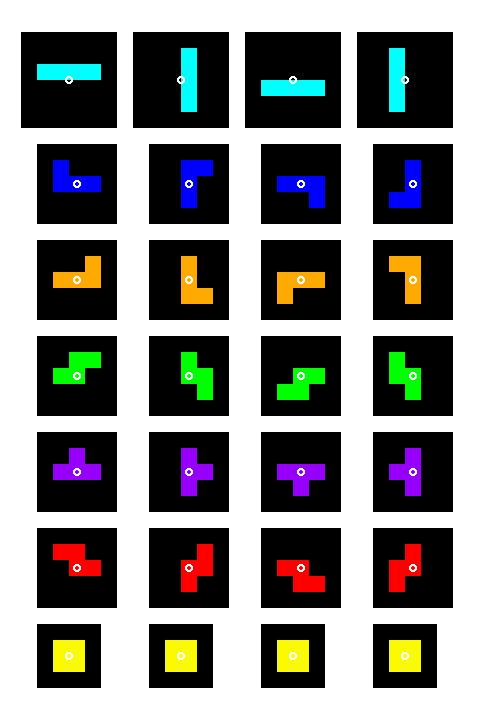
A zero represents an empty cell; other values identify the tile to draw. Four 4 × 4 grids take up 64 positions in an array.
const u8 piece[64] = {
    0,0,0,0,
    0,0,0,0,
    2,2,2,0,
    0,0,2,0,

    0,0,0,0,
    0,2,0,0,
    0,2,0,0,
    2,2,0,0,

    0,0,0,0,
    2,0,0,0,
    2,2,2,0,
    0,0,0,0,

    0,0,0,0,
    0,2,2,0,
    0,2,0,0,
    0,2,0,0
};
Traverse a rotation
The rotation index ranges from 0 to 3. Each state occupies 16 cells, and row-major access is calculated as offset + y * 4 + x.
const int offset = rot * 16; // rot: 0, 1, 2, 3
for (int y = 0; y < 4; ++y) {
    for (int x = 0; x < 4; ++x) {
        const u8 tile = piece[offset + y * 4 + x];
        // Draw the tile if its value is not zero.
    }
}
This revision fixes the inner loop’s bound in the original example and uses a row-major order consistent with the array’s representation.
The board and movement
The board has 10 columns and 20 rows: 200 positions. A piece can move when none of its occupied cells crosses a boundary or overlaps a placed block.
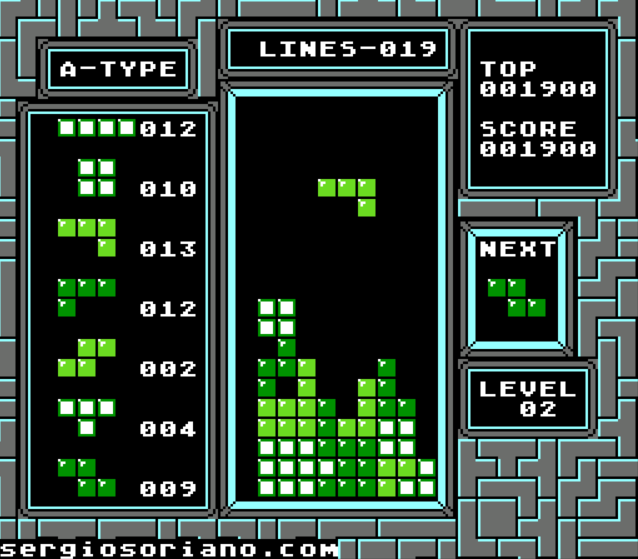
In the following sketch, the control and timer names represent player input. The important part is to use one convention throughout: get_collision returns zero when a move is valid.
if (left_pressed && get_collision(x - 1, y, rot) == 0) x--;
if (right_pressed && get_collision(x + 1, y, rot) == 0) x++;

if (gravity_tick || down_pressed) {
    if (get_collision(x, y + 1, rot) == 0) {
        y++;
    } else {
        inserta_pieza();
        crea_nueva_pieza();
    }
}
Check each occupied cell
The function traverses the active rotation and converts each local index into board coordinates. It checks boundaries before reading the array. Cells that are still above the board are not used as memory indices.
int get_collision(int posx, int posy, int rot) {
    const u8* piece = pieces[current_piece];
    int local_x, local_y;
    int off = piece_off * rot;
    int i;
    for(i = off; i < off + piece_off; ++i) {
        if(piece[i]) {
            local_y = (i - off) / piece_size + posy;
            if(local_y > 19) return 1;          // bottom collision
            local_x = (i % piece_size) + posx;
            if(local_x < 0) return 2;           // left collision
            if(local_x > 9) return 3;           // right collision
            if(local_y >= 0 && board[local_y * 10 + local_x]) { // board collision
                return 4;
            }
        }
    }
    return 0;
}
Keep exploring
These snippets explain representation and collision detection. The full project connects them to input, rendering, and the rest of the game. You can also compare the approach with the JavaScript version of Tetris.